100% Client-Side Processing

JSON Formatter & Validator

Parse, Validate, Minify, Search, & Generate Types from JSON — Securely on Trusted Tools Web.

Input / Raw 0 B
Ready
Pro Max Features
No recent files found.

Serverless Architecture & Privacy First

When dealing with sensitive API keys or customer data, security is the top priority. Unlike many online formatters that process your data on a remote server, Ultra JSON Pro Max runs entirely in your browser.

We utilise the V8 JavaScript Engine built into your browser. This means:

  • Zero Data Leakage: Your JSON code never leaves your device. Not a single byte is uploaded to our cloud.
  • Instant Processing: Since there is no network latency, even large files (10 MB+) are parsed instantly.
  • Offline Accessibility: Once the page loads, you can disconnect your internet and the tool will still function 100%.
Beyond Simple Formatting — Pro Max Features

Most developers waste hours hunting for syntax errors and manually writing TypeScript interfaces. Ultra JSON Pro Max automates that entire workflow.

1. TypeScript Interface & Dart Model Generator

Click the Types tab to instantly generate fully-typed TypeScript interfaces or Dart model classes — including fromJson / toJson methods — directly from any JSON payload. No more hand-crafting interface definitions.

2. JSONPath Advanced Search

Use the built-in JSONPath Search Bar to query any JSON dataset using standard JSONPath expressions. Filter arrays with predicates like $.users[?(@.age > 18)], fetch all IDs with $..id, or slice arrays with $.items[0:5] — directly in the browser with zero dependencies.

3. Data Cleaner

The Clean JSON button recursively removes all null values, empty strings, empty arrays, and empty objects from the entire JSON tree. Ideal for cleaning API responses before storing or processing them.

4. Sort Keys A-Z

The Sort Keys button alphabetically reorders every object key throughout the entire JSON tree. This makes diffing two JSON configs significantly easier because key order no longer causes spurious diffs.

5. Auto-Fix Capability

A common headache is copying JS Objects instead of JSON (missing quotes on keys or trailing commas). Our Auto Fix algorithm uses Regex heuristics to detect these patterns and sanitises the code into valid JSON automatically.

Visualizing Deeply Nested Logic

When working with complex configurations (like package.json with thousands of dependencies or Kubernetes manifests), syntax highlighting alone is not enough.

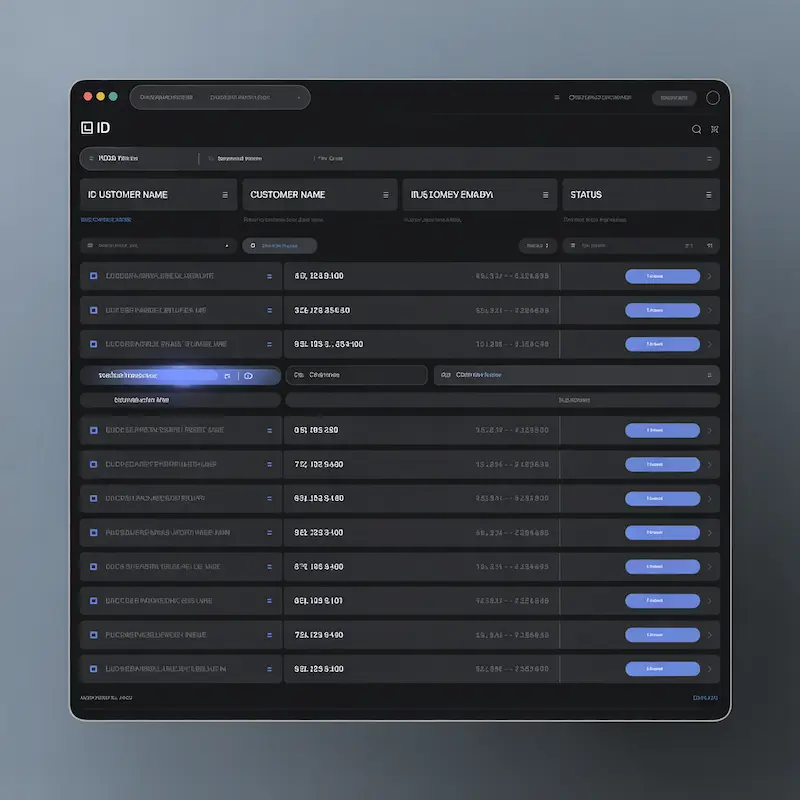
JSON Data Grid View Visualisation — Ultra JSON Pro Max

The Interactive Grid View transforms your data into a structured table. This is crucial when you need to spot inconsistencies across an array of objects — for example, finding which user object is missing an "email" field. The improved v4.0 Grid View now uses a union-key algorithm that correctly displays all columns even when objects in the array have different sets of keys (sparse datasets).

Deep Dive with Tree View

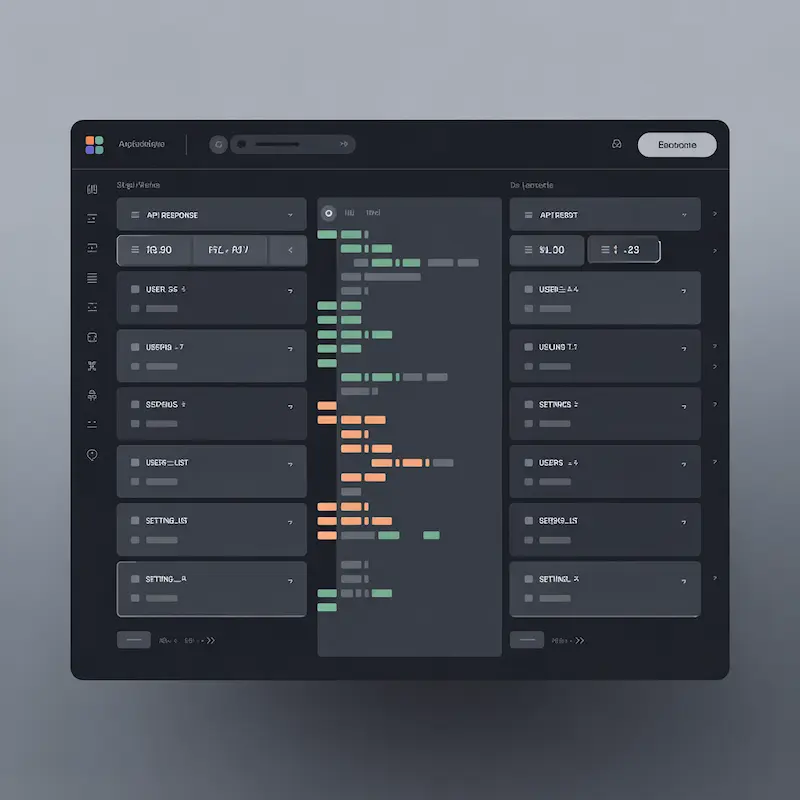
Collapsible JSON Tree View Structure — Ultra JSON Pro Max

The Interactive Tree View transforms your flat text into a collapsible node structure. You can expand specific branches to inspect deep logic without being overwhelmed by the rest of the code. In v4.0, the Tree View now includes a smart performance guard: JSON files with more than 5,000 nodes automatically skip DOM rendering to prevent browser freezing, showing a helpful warning instead.

Frequently Asked Questions

Is there a file size limit for this online JSON formatter?

Technically, there is no hard limit imposed by us. However, since all processing happens in your browser's memory (RAM), we recommend files under 50 MB for optimal performance. Files over 500 KB will skip syntax highlighting and render as plain text to stay responsive. The Tree View is protected by a 5,000-node guard that prevents browser freezing on extremely large payloads.

How does the TypeScript interface generator work?

Paste or process your JSON, then click the Types tab. The tool recursively inspects every property in your JSON object, infers the correct TypeScript type (string, number, boolean, null, nested interface, or array), and generates a complete set of exported TypeScript interfaces. Switch to Dart mode to generate model classes with fromJson and toJson methods instead.

What JSONPath expressions does the search bar support?

The built-in JSONPath engine supports: root access ($), dot notation ($.key), bracket notation ($['key']), recursive descent ($..key), wildcards ([*]), array subscripts ([0], [-1]), array slices ([0:5]), and filter expressions ([?(@.age > 18)]) supporting the operators ==, !=, >, <, >=, and <=.

Can I use this tool for commercial projects?

Yes, Ultra JSON Pro Max is completely free for both personal and commercial use. You can use it to debug, format, validate, and generate type interfaces for your professional applications without any cost.

Initializing secure discussion portal...