PDF Compressor
Shrink PDF size securely. No server upload. No limits.
Drag & Drop PDF here
or click to browse files
Note: This tool rasterizes PDF pages to optimize images. Text may become non-selectable.
Why "Client-Side" Compression Matters
Most online PDF compressors require you to upload your sensitive documents — bank statements, ID cards, contracts — to their remote servers. This creates a significant privacy risk. PDF Compress TITANIUM is fundamentally different.
We leverage advanced WebAssembly and JavaScript technology to process your file right inside your browser. Your document never leaves your device. You can even disconnect from the internet after loading this page, and it will still compress perfectly.
How It Works (The Magic Behind It)
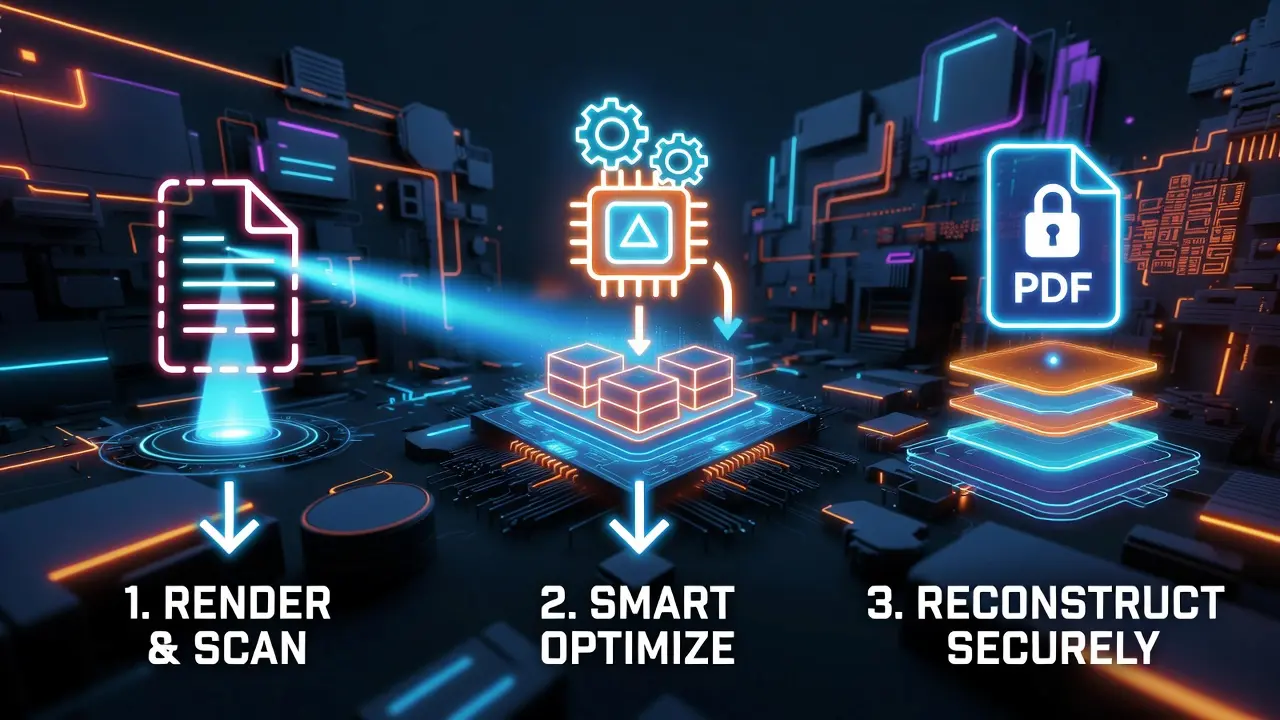
- Rendering: The tool scans each page of your PDF and converts it into a high-resolution HTML5 canvas image.
- Optimization: It applies an intelligent JPEG compression algorithm based on your selected quality level.
- Reconstruction: It stitches the optimized images back into a brand-new, lightweight PDF file using jsPDF.
This method is especially effective for scanned documents or PDFs containing heavy embedded images.
Features at a Glance
- Ultra-Fast Processing: No upload or download waiting time — everything runs locally.
- Unlimited Usage: No "3 files per hour" restrictions like other online compressors.
- Military-Grade Privacy: Zero data transfer. Your files stay on your device, always.
Initializing secure discussion portal...